Summaries, chat & action items
Chat with a transcript
Ask a recording questions and get answers drawn from what was actually said.
Sometimes you do not want to reread a whole transcript, you just want one answer. Chat lets you ask a recording a question in plain language and get a reply based on its contents.
- 01
Open a recording
Go to the recording you want to ask about.
- 02
Open Chat
Choose the chat option on the recording's detail screen.
- 03
Ask anything
Try questions like What did we decide about the budget, or Summarize the part about hiring.
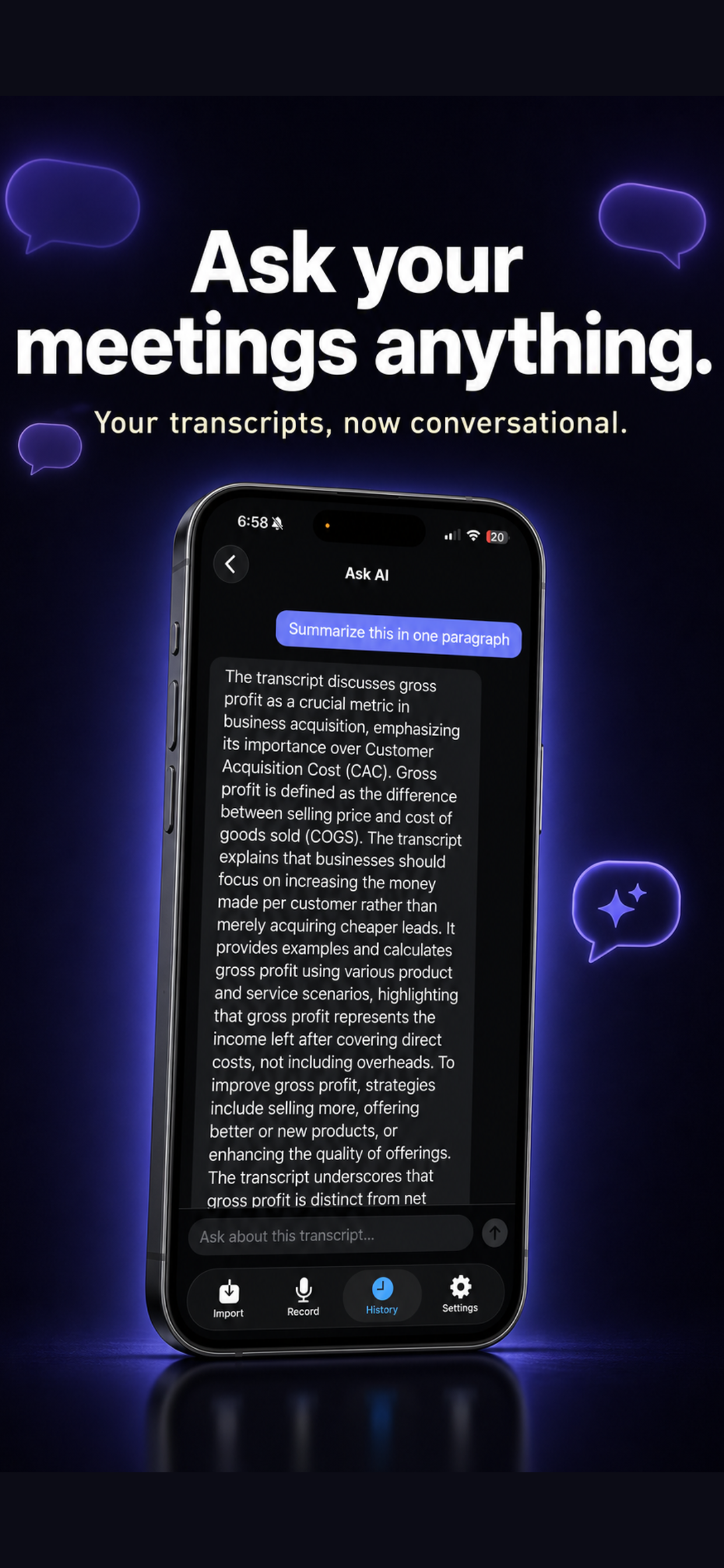
Chat draws from what is in the recording. If a topic never came up, it cannot invent an answer for you, which is exactly what you want from a trustworthy transcript.
Still need a hand?
View Echo ChamberEmail support@obsidianridgelabs.com, a real person will reply.