Start from your statements.
Import a PDF statement or map the columns in a CSV, then review the transactions. Receipt photos can help with individual purchases. Manual imports are included free.
Vault
Budgeting and purchase planning
See how a purchase would affect the bills, goals, and spending in your plan. Vault works from the records you provide, with manual tracking and statement imports that do not require a bank connection.
Budget calculations and coaching run on your device. Optional bank connections and transaction enrichment use Plaid through a relay. Full boundary
iPhone · iPad
In development. Not yet available to install.
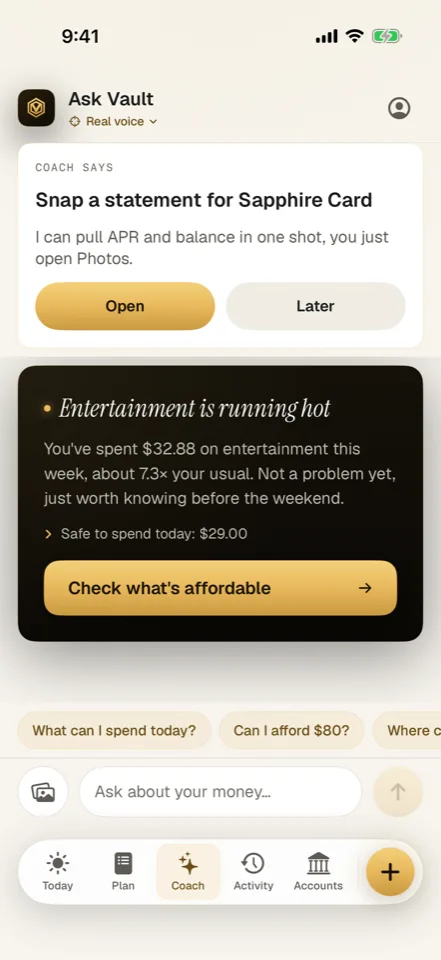
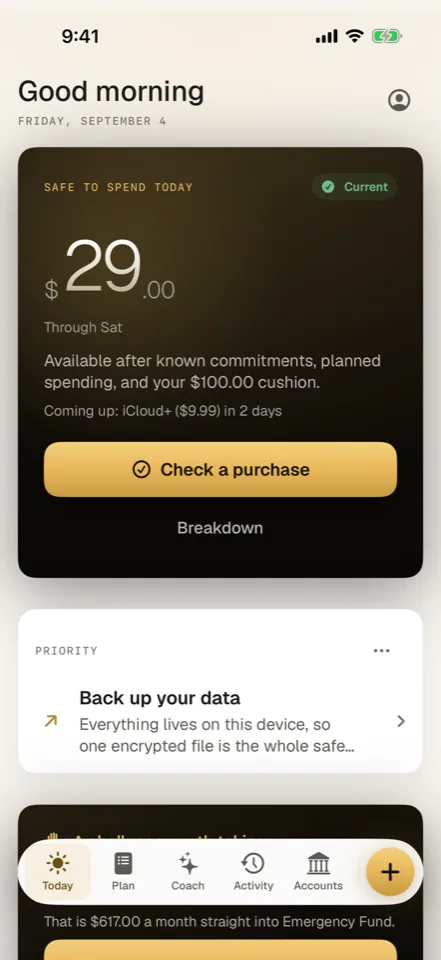
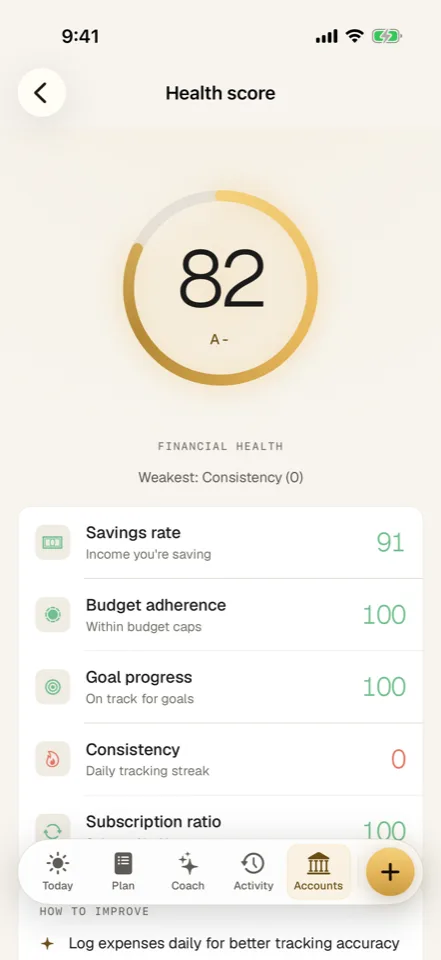
Before spending
Rent may be due next week, or part of that money may be going toward a goal. Put those commitments into Vault so the purchase check can account for them.
Enter expenses, scan receipts, or import PDF and CSV statements. Check the proposed transactions and mappings before saving them.
Record income, bills, and goals. The cash-flow view uses those records to estimate the days ahead.
Enter the amount to see its effect on spending pace and goals. If the record is incomplete, Vault can ask for the missing information.
Forecasts are estimates from the records and assumptions you provide. They are not a guarantee that money is available to spend.
Import a PDF statement or map the columns in a CSV, then review the transactions. Receipt photos can help with individual purchases. Manual imports are included free.
Use the planning tools to examine a budget or proposed change. Paid conversational coaching can help you discuss the record using a model running on your device.
Changes use explicit commands or confirmation. Connecting a bank is a separate choice.
Export expenses as CSV or save a passphrase-encrypted Vault backup for restore. Your manual ledger does not depend on keeping a bank connection active.
The backup is a ledger snapshot; complete parity for every source attachment is not promised.
Free and Paid plans
Planned features and limits are shown below. Pricing and compatibility will be confirmed before release.
Planned: Free · Plus $2.99/mo · Premium $4.99/mo · Premium Plus $9.99/mo
Bank connectivity uses Plaid. Connected-bank and liability limits depend on the selected plan.
The current build targets iPhone and iPad on iOS or iPadOS 26 with Apple Intelligence available. Optional bank features depend on supported Plaid connections.
The Boundary Check
Where the work happens, where your records live, and which features use a connection.
Before release
Yes. The development build supports manual expenses, receipt reading, CSV and PDF statement imports, budgets, and cash-flow estimates without a linked bank. You review imported transactions before accepting them. Optional Plaid connections are a separate paid path for bringing in account data; they are not required for manual tracking.