See what a new piece would go with.
Plus Use a shopping photo to look for pairings with clothes you own and similar pieces already in the closet before deciding to buy.
This is wardrobe context, not a fit or sizing prediction.
Wove
A wardrobe and outfit planner
Photograph your clothes and tell Wove what you are dressing for. It suggests combinations from pieces you own, with your notes and preferences in mind.
Garment recognition and outfit suggestions run on-device. Optional weather context uses Apple WeatherKit. Full boundary
iPhone · iPad · Apple Watch companion
In development. Not yet available to install.
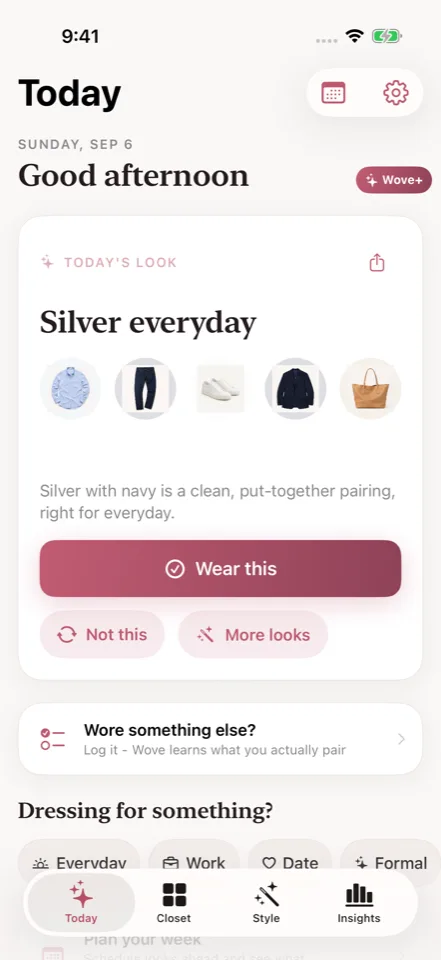
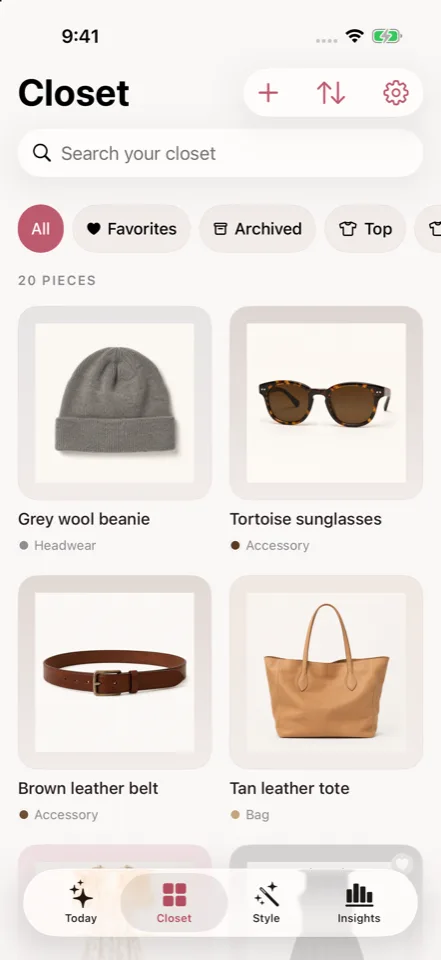
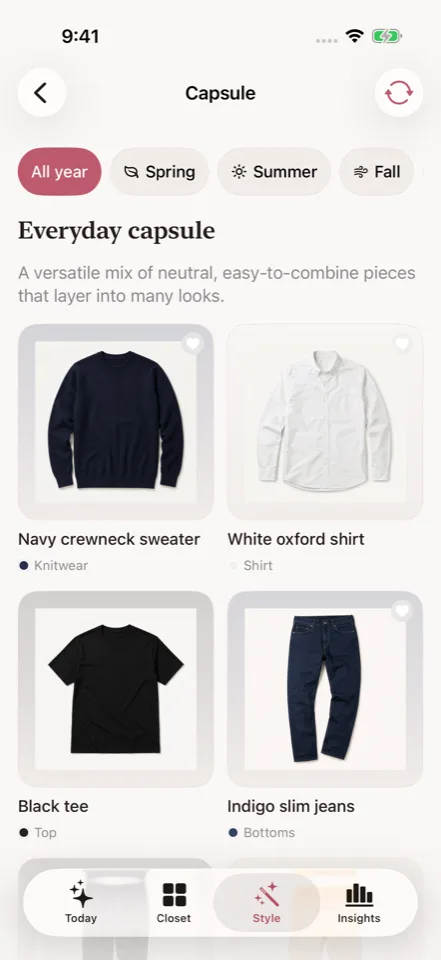
Choosing an outfit
Wove starts with the garments in your closet. Add an occasion or a note about today, then decide which suggested look you want to wear.
Photograph individual garments or several laid-out pieces. Review the cutouts and suggested colours, categories, and seasons.
Choose an occasion, add a note for today, or save a standing preference. Wove uses that context when selecting from your garments.
Log an outfit or tap “Not this.” Rejections help guide later suggestions; Plus also learns from combinations you have worn.
A suggested look is yours to judge. Model instructions do not guarantee every preference, weather condition, or dress code will be satisfied.
Plus Use a shopping photo to look for pairings with clothes you own and similar pieces already in the closet before deciding to buy.
This is wardrobe context, not a fit or sizing prediction.
Capsules with Plus Plus capsules select pieces from your closet for a smaller wardrobe. Planning an outfit on the calendar and logging what you wore remain free.
Free and Plus
Planned features and limits are shown below. Pricing and compatibility will be confirmed before release.
Planned: Free · Plus $3.99/mo · $19.99/yr · $24.99 lifetime
Previously generated suggestions and outfits made without AI do not use another AI batch.
The current build targets iPhone and iPad on iOS or iPadOS 26 with Apple Intelligence available. The watchOS 26 companion shows a look summary and sends actions back to the phone.
Export a folder with garment records and available images. The export is free, including when you have chosen optional record sync.
There is no restore importer in the current build. The export does not include every styling note, preference, or feedback record.
The Boundary Check
Where the work happens, where your records live, and which features use a connection.
Before release
No remote wardrobe AI service is used for the core workflow. The development build reads garment photos and suggests outfits on the device. Plus offers optional private iCloud record sync, but complete cross-device photo sync is not promised. Garment photos remain local files unless you choose an export destination.