Echo Chamber
Private transcription for Apple devices
Find the words you came back for.
Echo Chamber turns recordings into searchable transcripts, notes, and answers on your Apple device. Find a passage, check it against the audio, and take the words into your work.
Free to download · Optional Pro
Processing stays on your device. Optional iCloud sync is off by default. Models may need a download before offline use.
Setup, storage & connections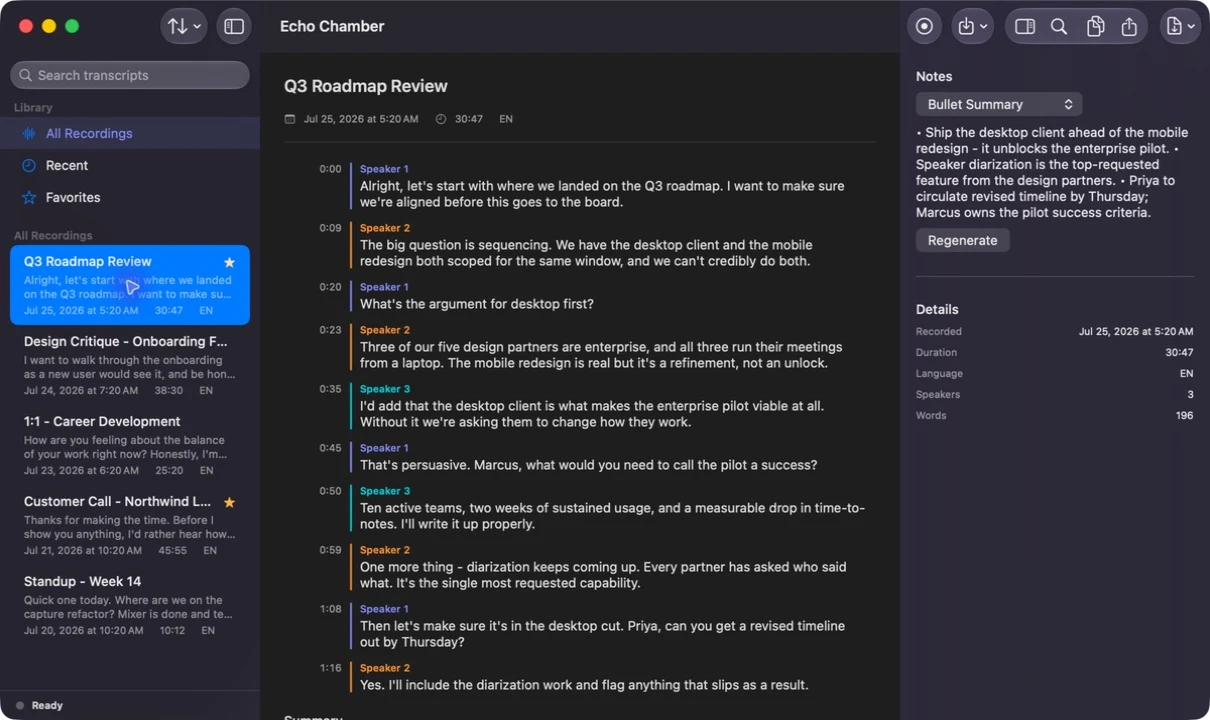
Find a passage without starting over.
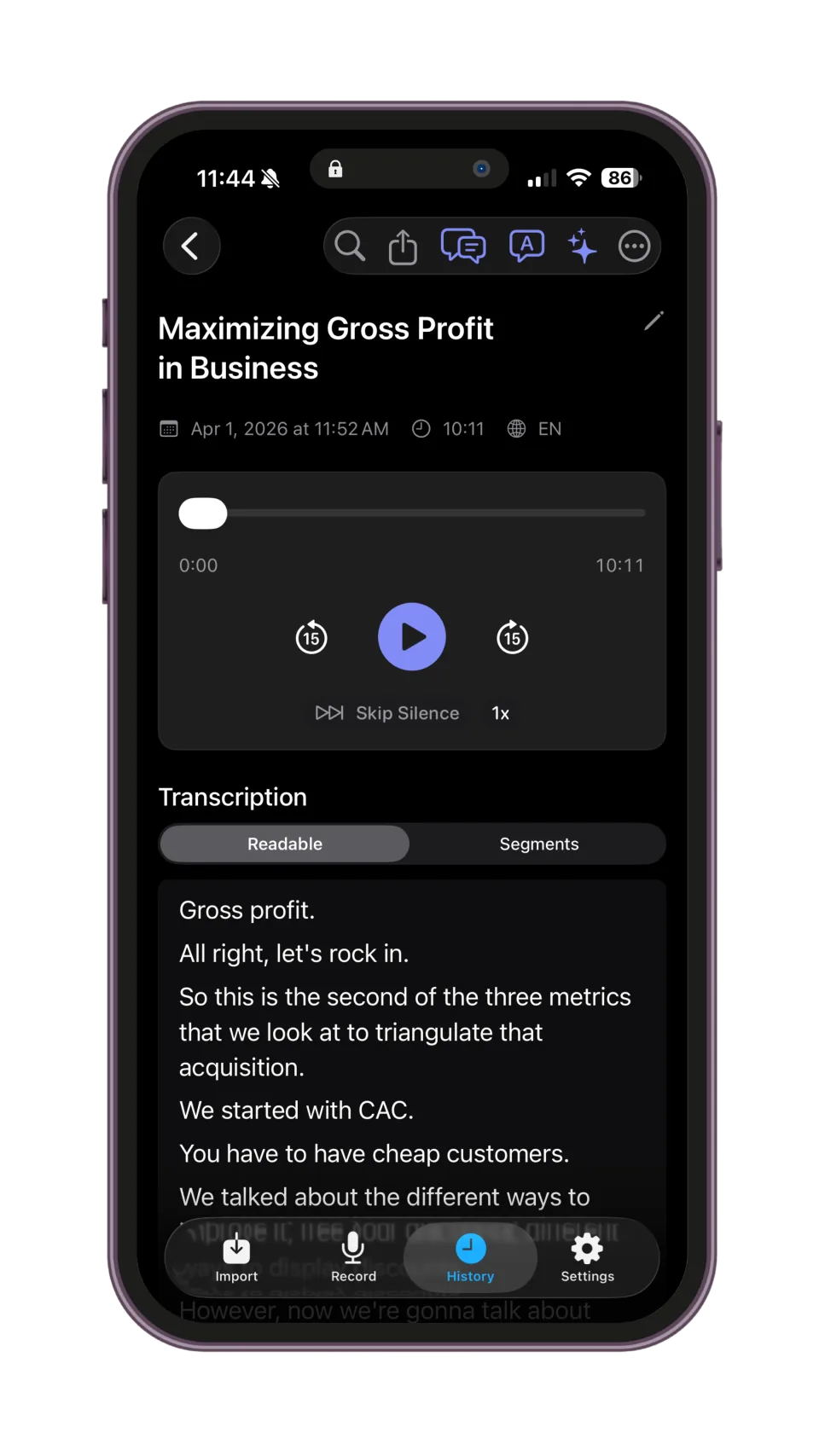
You do not have to replay the whole recording to find one point. Search for a word you remember or return to a moment you bookmarked, then listen with the transcript in front of you.
- During the conversation
Bookmark a moment.
Follow the live transcript and mark a point you want to revisit while you keep listening.
- When you return
Search the transcript.
Use a word you remember to find the relevant passage instead of listening from the beginning.
- When the wording matters
Check against the audio.
Listen again to confirm a name, number, or quotation before you use it.
02 / Put the conversation to work
Get a working note from the transcript.
When the conversation is over, use the transcript to make a summary, prepare notes, or answer a question before you write the follow-up.
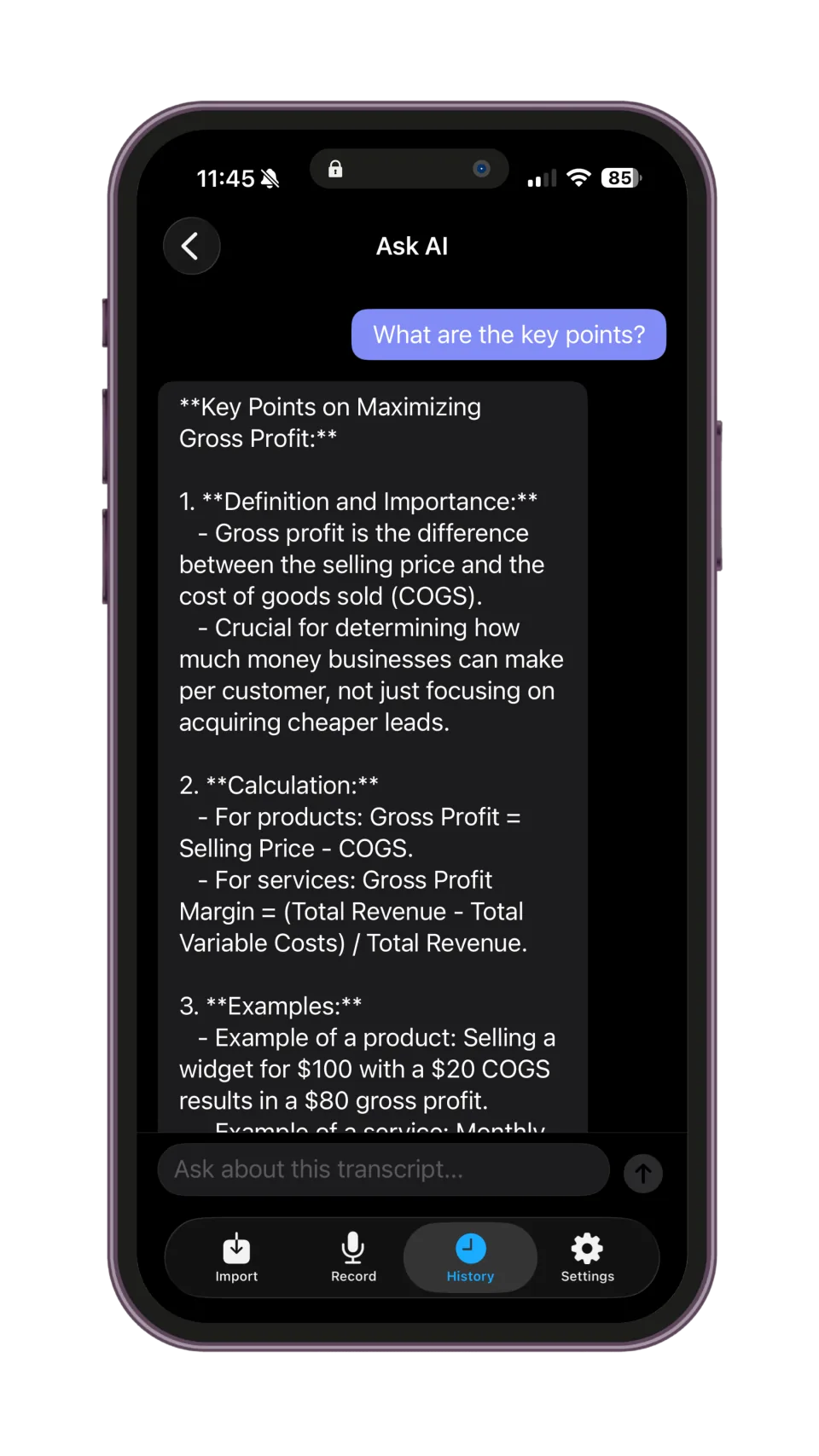
Echo Chamber’s AI tools run locally. Ask for the key points or make a cleaner reading copy, then return to the recording whenever you need to check the result.
A question about a recorded conversation becomes a readable answer. Return to the transcript when you need the surrounding context.
Take the transcript into your work.
Import audio or video you already have and transcribe it on your device. Export the words to your notes app, a document you can edit, or a file you can share.
The in-app offer shows import allowances. Export options can differ by platform.
- TXT & Markdown
- Bring the words into your notes, draft, or research.
- Send a readable document with a fixed layout.
- DOCX
- Continue editing in a compatible word processor.
Capture microphone and system audio with permission, without sending a bot into the meeting. The native Mac app has its own recording workflow.
04 / The boundary
Your device does the processing.
Echo Chamber processes the conversation without sending it to an external AI service. Setup, storage, and sharing have their own connections.
- Processing
- Speech recognition and transcript intelligence run on supported Apple hardware. Required models must be ready before offline use. Available AI tools depend on the device and setup.
- Storage
- Recordings and transcripts are stored locally. Optional iCloud sync is off by default and uses your Apple account. Files you export follow the destination you choose.
- Connections
- Model setup, purchases, and usage checks can connect to online services. Optional iCloud sync and sharing have their own destinations. Core processing does not send the conversation to a remote AI service.
Before you download
iPhone and iPad: iOS or iPadOS 18 or later. Mac: macOS 15.1 or later on Apple silicon. Hardware and model availability affect features; check your device in the App Store.
Read the privacy modelFree to download · Optional Pro
Record your next conversation.
Download Echo Chamber from the App Store. Check the offer in the app for current plans, allowances, and your local price.
A few practical questions
Before your first recording.
Turn it into a searchable transcript, return to a passage, and make notes or ask questions about what was said. Echo Chamber also imports supported audio and video files and exports transcripts for use elsewhere. Speech recognition and transcript intelligence run on supported Apple hardware; available tools depend on your device, setup, and plan.