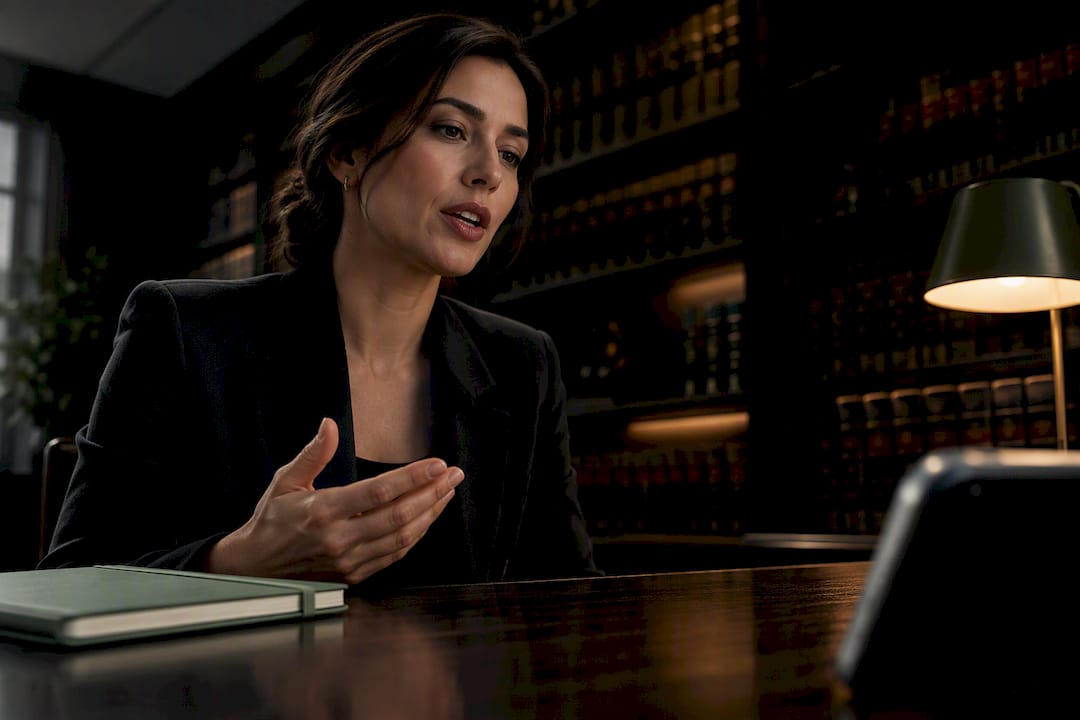
Legal dictation on iPhone can begin with a simple task: capture your own draft, check the words, and move the reviewed text into the approved matter file. Keep that task separate from recording a client meeting, generating legal analysis, or filing a document. Each introduces additional information, permissions, and review decisions.
Choose the task before the tool
Start with a fictional matter or material that contains no client confidences. Dictate a short outline with headings such as “Facts to verify,” “Questions,” and “Next drafting step.” Do not let a recorder’s output become a final advice letter simply because it reads fluently. Transcription errors and generated additions require different checks.
The State Bar of California’s May 2026 AI guidance emphasizes understanding the technology, protecting confidential information, and retaining professional judgment. It is California guidance, not a universal statement of every jurisdiction’s rules. Check the obligations, court requirements, and organizational policies that apply to your practice.
Pilot a complete drafting path
- Choose a supported device and finish required model setup before the test.
- Record an invented paragraph containing names, dates, amounts, a negation, and a quoted phrase.
- Read the transcript while listening to the source. Correct the text rather than assuming punctuation cleanup preserved every meaning.
- Separate what you dictated from anything an AI feature added or summarized.
- Export to the intended approved destination and inspect formatting, file names, and any attached audio.
- Confirm how the recording, transcript, working draft, and export will be retained or disposed of under the matter’s policy.
Check citations against authoritative legal sources before using them. A speech engine can mishear a case name; a generative system can produce a plausible citation that does not exist. Neither a clean transcript nor an elegant summary establishes the legal proposition.
Review processing and storage separately
Apple’s Siri and Dictation notice describes different processing behavior and settings. Do not treat a system keyboard, a voice assistant, and an app’s transcription engine as a single service. Ask which feature receives the confidential material and whether text later syncs or leaves through an export.
For example, Echo Chamber describes on-device transcription and transcript AI, optional iCloud sync, and supported audio/video import. It is free to download with optional Pro; current terms are in the App Store and app. Those product facts do not establish firm approval, privilege, a particular retention control, or legal-dictation accuracy.
Keep recording and communication deliberate
Dictating your own thoughts is different from capturing someone else’s conversation. Before recording others, establish the consent, legal, client, and facility requirements that apply. Do not rely on a generalized count of one-party or all-party jurisdictions, particularly when people participate from different places.
When confidential client information would reach a service, involve the responsible lawyer and technology team in deciding whether the arrangement is acceptable and what communication or consent is needed. Do not assume that client consent makes an otherwise unsuitable workflow acceptable in every situation.
Use the pilot to document a repeatable drafting process, its limitations, and the person responsible for review. Revisit it after material tool or policy changes. Dictation can assist the work; responsibility for the resulting document stays with the professional handling the matter.